Gemini CLI
Agent experiences for terminal-first developer workflows
As the lead designer, I partnered with our engineering team to bring Gemini’s agentic capabilities directly into the terminal. Gemini CLI is an open-source AI agent that lets developers write code, manipulate files, run shell commands, and automate complex workflows.
Gemini CLI planning and building a React todo app, pausing for approval
Understanding the problem
Our users wanted Gemini in the terminal, without leaving the workflows they already had. The challenge was that terminals are text-only and are limited in what can be displayed. To bring agentic workflows to the CLI, we needed a more flexible framework.
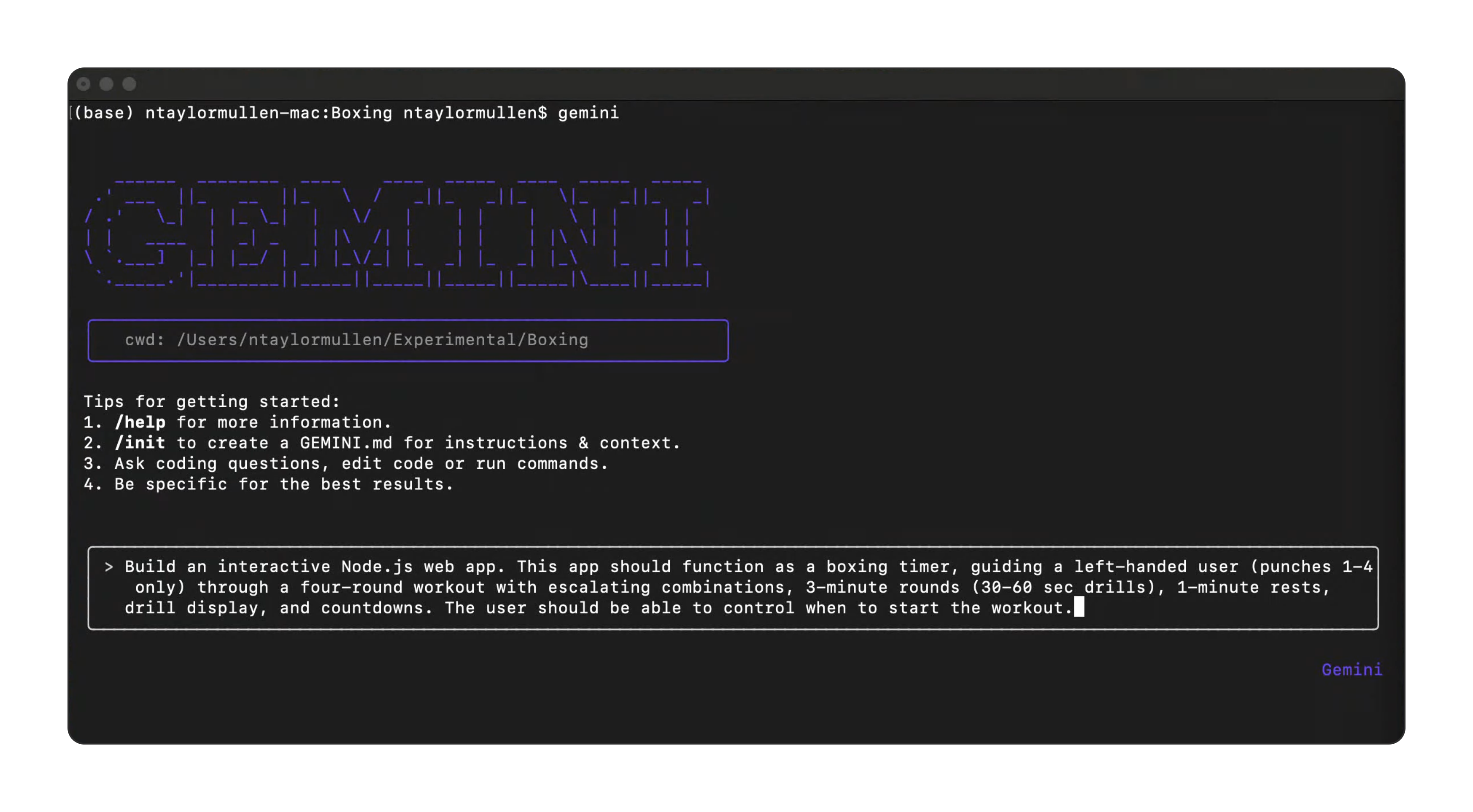
The original Gemini CLI startup screen before the redesign
The team discovered a React library (Ink) that allowed us to build interactive elements in the terminal. We weren’t constrained by text-only UI anymore.
Designing the interaction model
We knew that we wanted to mimic the chat model used in other Gemini interfaces. Bringing conversations to the terminal meant rethinking what one looked like: no chat bubble, no text field, no buttons. Just a prompt input and the streaming conversation.
The scrollable theme picker with live color previews
Knowing that terminals are very personalized for developers, I wanted to make sure that the CLI was flexible enough to support different configurations (fonts, color schemes, and terminal apps) but also come with default themes that were accessible and familiar. Borrowing patterns developers already knew (slash commands, file mentions, syntax highlighting) made the CLI feel familiar from the first session.
The agent works through a grouped todo list, one visible tool call at a time
We needed building blocks that worked across all of it: one-shot prompts, iterative sessions, long-running tasks, and multi-step plans. We also needed to surface their usage, model configuration, and which modes granted elevated permissions. The design system we created provided a foundation for the CLI to be flexible and extensible for the future.
Shipping in the open
Because Gemini CLI is open-source, we had to be conscious about the design decisions we made as we had to involve the community with feedback. That relationship let us iterate quickly. Contributions and feedback poured in, shaping the product and showing us what mattered most.
GitHub stars across the three terminal agents, March–September 2025
I began using Gemini CLI itself to test and validate design ideas, skipping the usual start in Figma. This gave me a personal insight into the workflows of our users and helped our team move faster.
Below is an example that started as a community contribution for a settings dialog (#4738) and evolved to be a key feature of configuring the CLI. Previously, users had to edit their JSON files in a text editor, which broke their flow mid-session. The settings dialog allowed users to search, filter, and toggle settings inline without leaving the CLI.
The settings dialog with search, tabbed sections, and inline toggles
Earlier concepts leaned too heavily on text-only styles, which made it difficult to read and understand the diff output. I iterated on the design to improve the readability and bring more familiarity by using patterns found in most text editors. The new design added line numbers, colored diff lines, and syntax highlighting to make it easier to read and understand.
The diff view before and after the fix
Impact
Gemini CLI launched on June 25, 2025 as a free, open-source agent available to any developer with a Google account. The generous free tier made it accessible to individual developers, students, and open-source contributors without any billing setup. The reaction was immediate. Within days, developers were sharing workflows built around the free tier and the 1M-token context window. As the UI work landed over the following months, the polish started showing up in the feedback too.
 on Twitter
I started using the Gemini CLI today, and I don’t want to go to sleep.
 on Twitter
Gemini CLI with MCP servers is a match made in heaven! It’s amazing for coding use cases.
 on Twitter
i honestly can’t believe gemini cli is free…that’s actually just going to slaughter everyone
I have been using this for about a month and it’s a beast … I have thrown very large codebases at this and it has been able to navigate and learn them effortlessly.
I’m having a blast building my personal AI’s brain from the command line.
The UI improvements are nice and the future UI roadmap looks good too.